
Getting all values of all items
If you want to retrieve all fieldvalues of an item, you can use following steps. I am getting the opportunities of the sales department
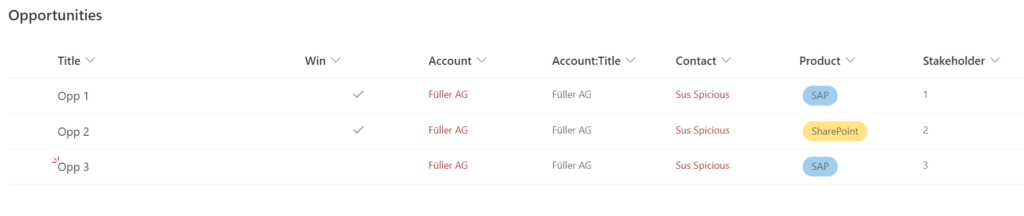
- Connect to SharePoint Online with PNP. If you don’t know how to, check the post. I am connecting with the sales site
Connect-PnPOnline -Url "https://devmodernworkplace.sharepoint.com/sites/Sales" -Interactive - After connecting, get the list.
$Items =Get-PnPListItem -List "YourList"
I am using the list opportunities:$Items =Get-PnPListItem -List "Opportunities"
If you don’t know what the internal name of your list is, you can make use of the cmdlet$Items = Get-PNPListItem | Out-Gridview -Passthru
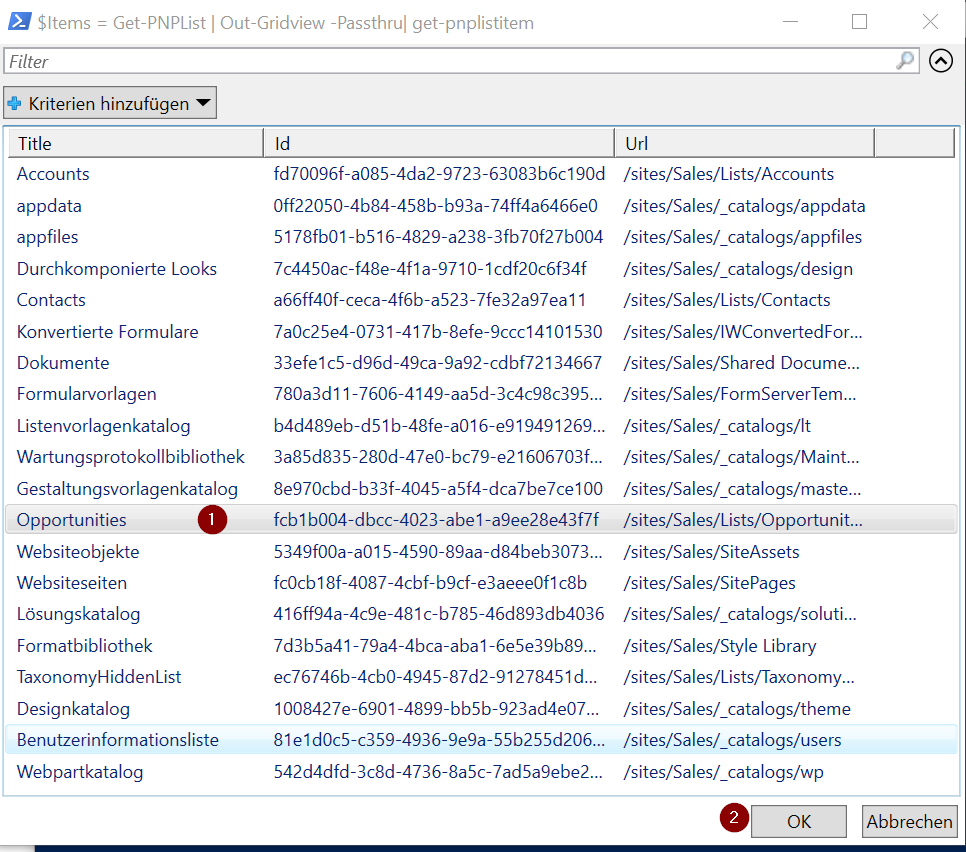
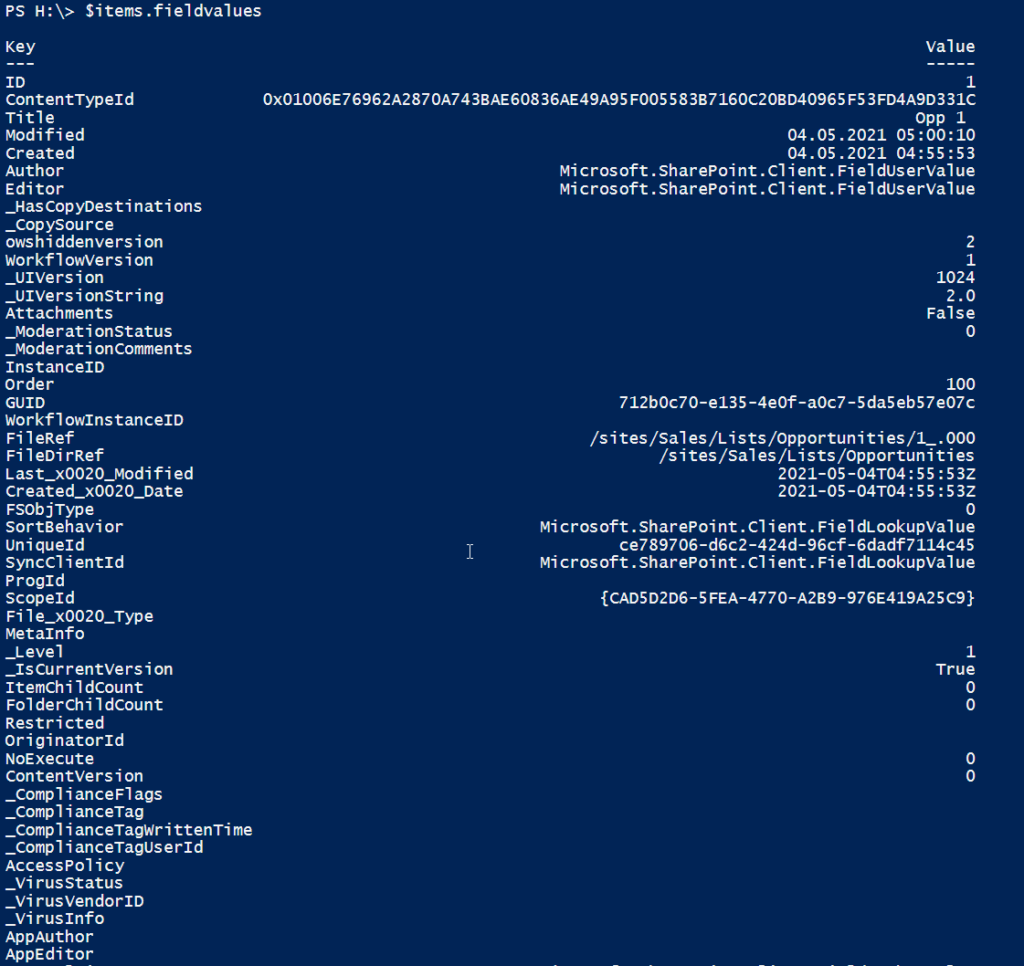
After getting the items, you can get all fieldvalues like this:$Items.Fieldvalues
Filter items by specific value
You can filter items like this. You have to use the key, which you get with $Items. FieldValues
Filter by Where Object
$Item = $Items | Where-Object {$_.Fieldvalues["KEY"] -eq "VALUE"}
I filter for items with the title Opp 2
$Item = $Items | Where-Object {$_.Fieldvalues["Title"] -eq "Opp 2"}
Filter by -Query Parameter
I have created a separate post for this. Check it out.
Getting only specific amount of Items
It might happen, that your list contains many items. In order to get only 1000 Items, make use of the parameter -PageSize
Get-PnPListItem -List "Opportunities" -PageSize 1000
Getting a specific value for specific item
First get one single item, either by filtering, or by using the index
You can use indexing with following method
$Item= $Items[INDEX]
For the first Item: $Item = $Items[0]
For the second Item: $Item = $Items[1] etc,
If you got a single item, you can get the fieldvalues like this:
$item.FieldValues.KEY
In my case I use the key “Product”
$item.FieldValues.Product

Or “Contact”

Example script to get all fieldvalues for all items
$Url = "https://devmodernworkplace.sharepoint.com/sites/Sales"
$ListName = "Opportunities"

Connect-PnPOnline -Url $Url -Interactive
$Items = Get-PnPListItem -List $ListName

$Items.Fieldvalues
Example script to get all fieldvalues for a specific item
$Url = "https://devmodernworkplace.sharepoint.com/sites/Sales"
$ListName = "Opportunities"

Connect-PnPOnline -Url $Url -Interactive
$Items = Get-PnPListItem -List $ListName

$Item =  $Items | Where-Object {$_.Fieldvalues["Title"] -eq "Opp 2"}

$item.FieldValues